Feature
Screening
This documentation provides a comprehensive guide on how to perform the screening process within the Gunung Clinic application. It includes detailed instructions and visual references.
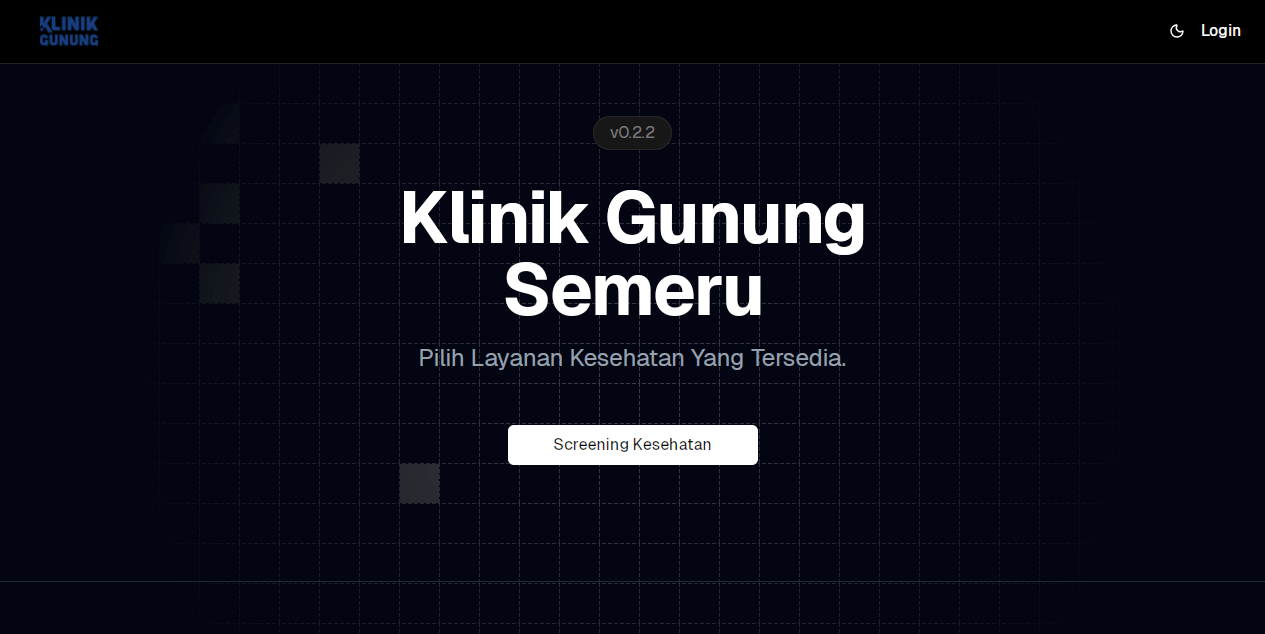
Selecting an Available Examination Service
Hikers can choose from various examination services available within the application.
For example, a hiker may select the “Health Screening” service.
Personal Information
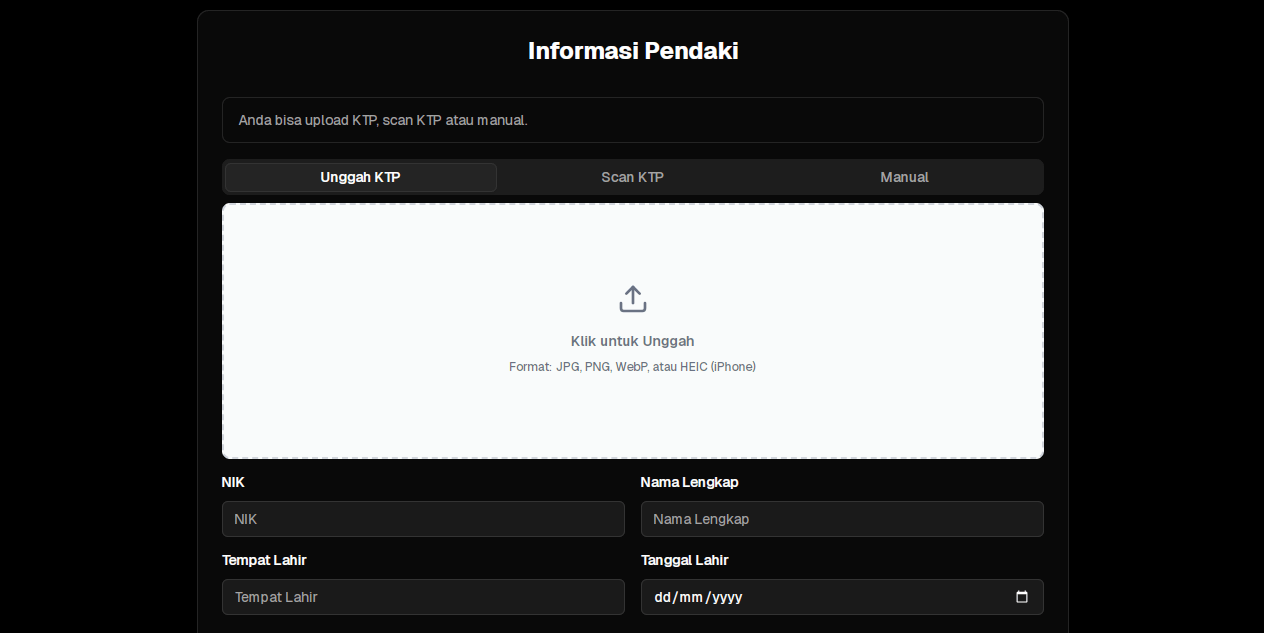
After selecting a service, hikers are required to fill in their personal information.
They can upload their ID card (KTP) in three ways: uploading, scanning, or manual entry.
When the screening is performed using the upload or scan option, the system’s AI will automatically extract data from the ID card and populate the personal information fields accordingly.
Questionnaire
Hikers will complete the available questionnaire, such as questions about their medical history.

Screening Completion
Once the screening process is completed, hikers will proceed to the physical examination stage.